Keep the information still
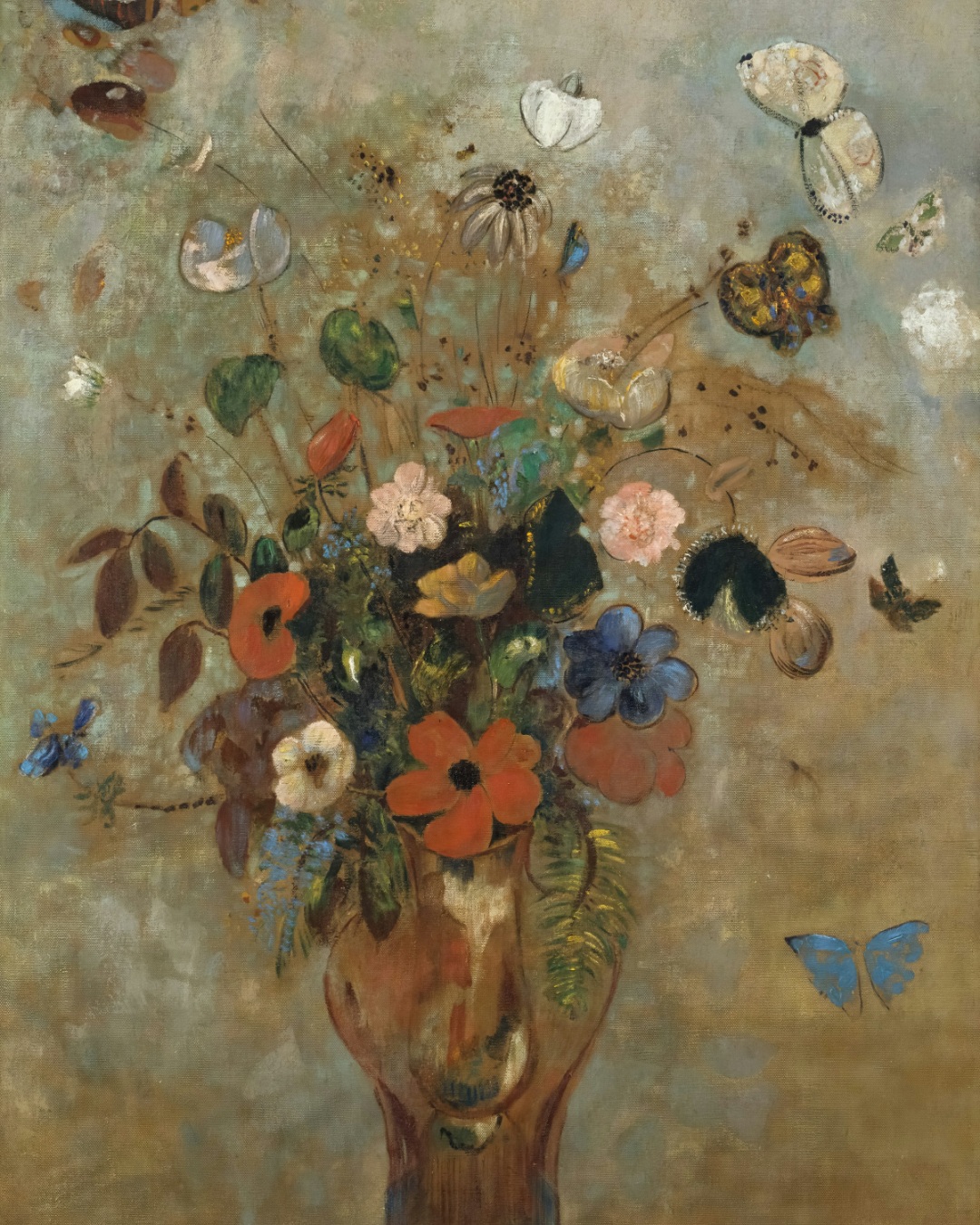
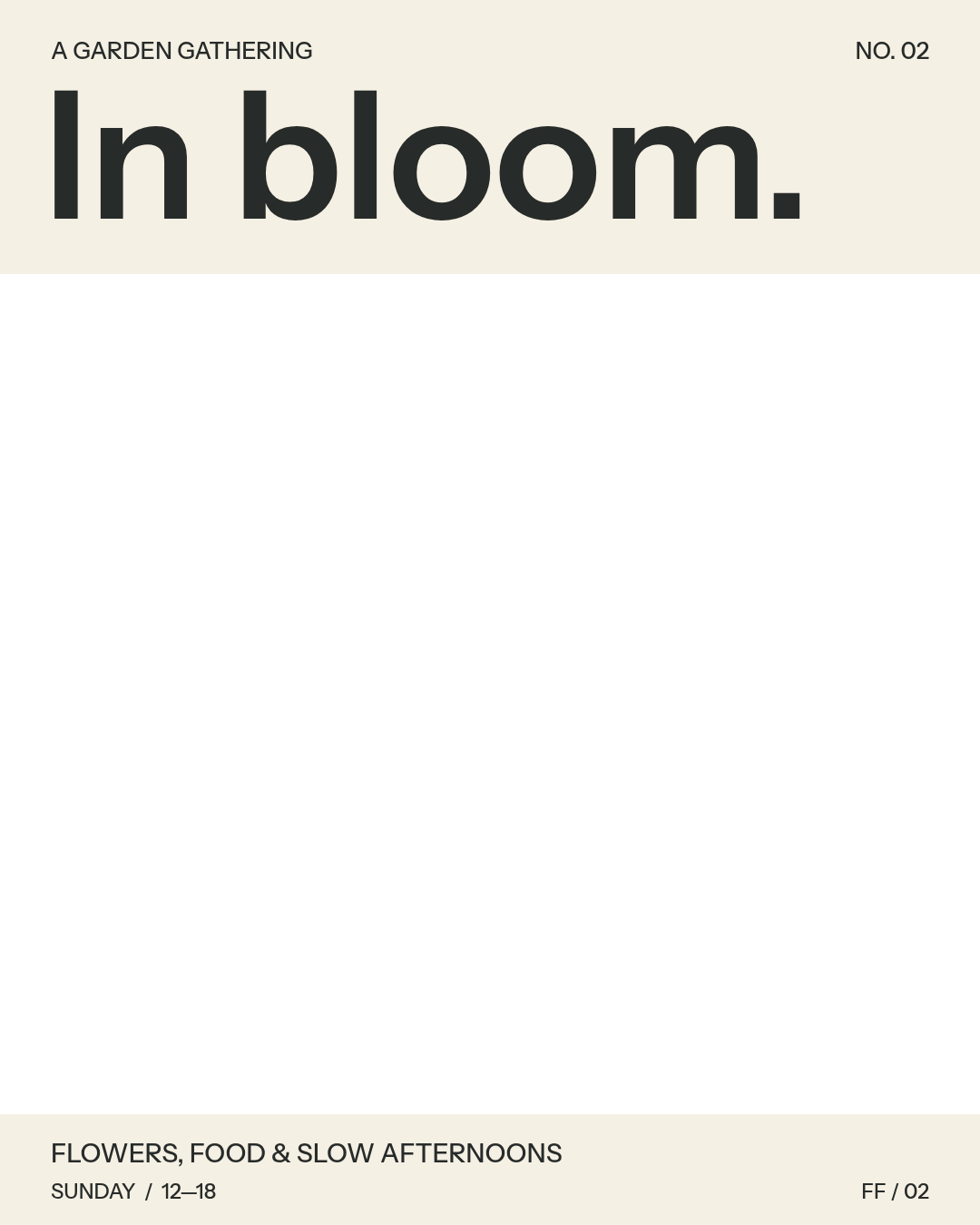
In bloom uses a 1080 × 1350 canvas in 4:5. The flower painting fills the background, while the event information and its panel form a separate foreground. The panel gives the lettering a steady backdrop even when the painting moves.
This is a fictional event design made for the example library. Switch to Original above to compare the still flyer with each recorded video.
Fictional event. Public-domain artwork: Odilon Redon, Still Life with Flowers, Art Institute of Chicago.
What changes between the recordings?
Balanced adds smaller changes within the flowers. The Expressive recording takes more liberties with the scene, including a butterfly. The event text remains on its separate layer in both versions.
These are individual AI outputs. Strength guides the motion but does not set a precise amount of movement, and another generation can produce different details. Choose Slow zoom, Pan or Light sweep in the player to compare effects that keep the source artwork.
Try the same setup
Choose an effect and strength above, then select “Try this in the studio.” The studio opens with this sample and your selected options. You can also expand the sample downloads beneath the player to get the separate layers for reference.
The previews are five-second silent MP4s. A five-second generation uses one credit; a ten-second generation uses two. View credit prices or follow the step-by-step artwork guide to prepare your own flyer.