Animate your
event flyer.
Turn your event artwork into a five- or ten-second video. Animate the background and keep your original text and logos on a separate layer.
Open the sample artwork without an account.
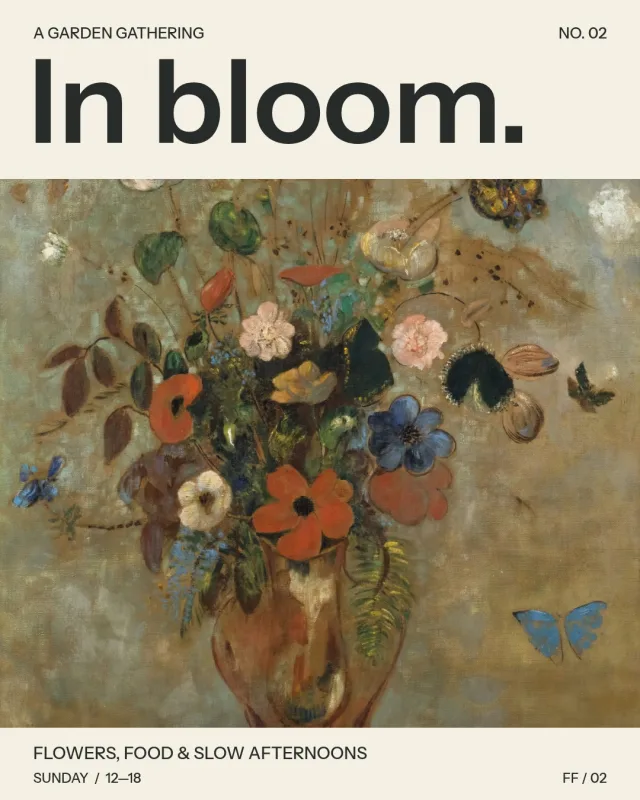
Fictional event. Public-domain artwork: Odilon Redon, Still Life with Flowers, Art Institute of Chicago.
Keep your event
details intact.
People need to read the date, venue and lineup. A separate type layer keeps those details clear while the background moves.
Upload your background and a separate transparent type layer. We animate the background, then add your original type and logos over the finished motion.
See how to prepare your flyer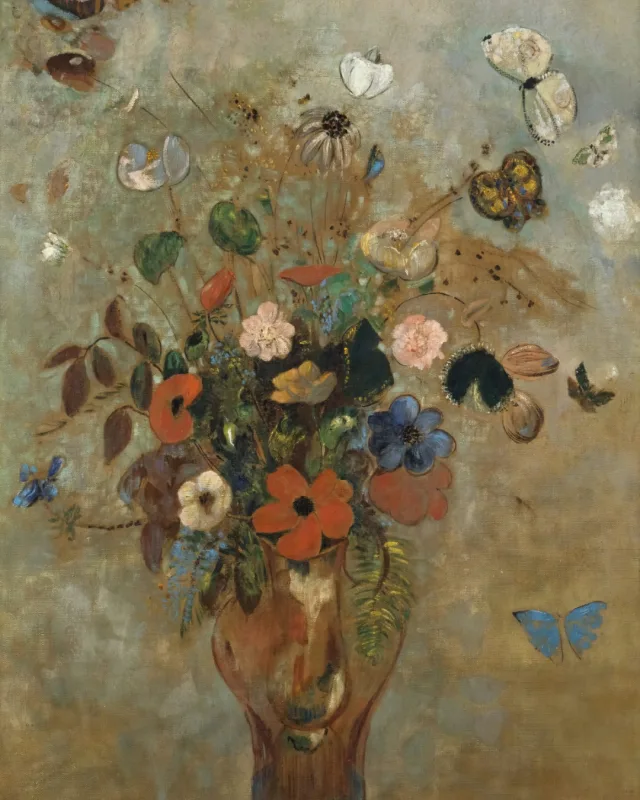
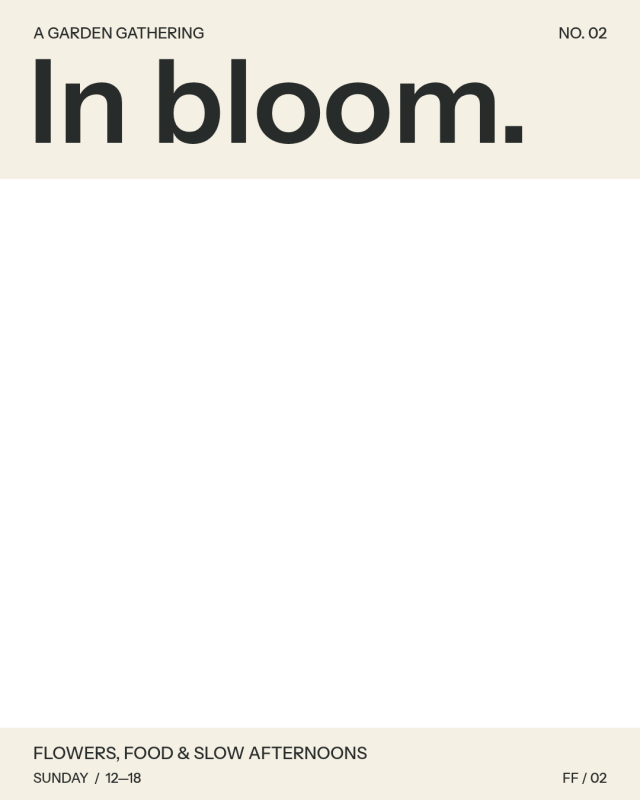
Background gets the movement
Type layer stays intact
How it works
- 01
Upload your artwork
Start with our sample, or upload your background and a transparent type layer.
- 02
Choose the motion
Choose a motion style and a format. Review the credit cost before you generate.
- 03
Review the video
Play the result and check the whole flyer. AI motion can change the background.
- 04
Download your flyer
Download your silent MP4. Add music in your editing or publishing app if you want it.
Choose a format for your post.
Export for stories, feeds or landscape placements. Five seconds uses one credit; ten seconds uses two.
Questions about your flyer
All questionsWhat is an animated flyer?
An animated flyer is a short video version of an event poster, with movement in the artwork. FlyerFinish turns your existing design into a five- or ten-second MP4 for stories, feeds and landscape posts. Upload a separate transparent text layer to keep the date, venue, lineup and logos still while the background moves.
Will my text and logos stay the same?
Upload your text and logos as a separate transparent PNG. We add that layer over the finished animation to preserve its original content. Text embedded in the background can change during AI generation. You’ll need to export the layers from your design file yourself.
Can I try the studio before buying credits?
Yes. You can open the sample artwork and compare motion examples in each export format without an account. Generating a new video requires credits.
What does one credit cover?
One confirmed five-second generation in one format. A ten-second generation uses two credits. The length determines the credit cost. Viewing samples and downloading an existing result use no credits.
Which effects can I choose?
Slow zoom moves closer to the background. Pan travels across it. Light sweep passes a soft light over the image. Scene motion uses AI to animate the scene, with camera movement and details that can change between generations. Choose Restrained, Balanced or Expressive motion strength for any effect. A separate type layer stays still.
Try the sample artwork.
See how the background and type layer fit together before uploading your own.